 Follow our news : In Perfony you can split an action into identical sub-actions for each person to whom it should be assigned. But why create identical shares? Creating an action and reproducing this action for all the members of a file is a tedious, repetitive work...
 Follow our news : Why? The Action Plan Template Saving Tool allows you to save all the actions in a folder so that you can reuse them in another folder later. This is a feature that is particularly useful, for example, if you have the same actions to assign in several...
 Follow our news : Since version 2.21, it is possible to publish the same action in several folders simultaneously. Easy to use and super convenient. Why duplicate an action in several folders? Let’s take a concrete case: you need to set up a communication...
 Follow our news : What are the advantages of changing your email alerts? Faced with the ever-increasing number of emails you receive every day, Perfony allows you to customize email alerts for your files, actions, and meetings. Unclogging your mailbox will save...
 Follow our news : Green or black file, what does it matter? Did you notice that some icons in your iPerfony space could have different colors? This is the case for the folder icon and the meeting icon. What is the meaning of the folder icon colors? The color of the...
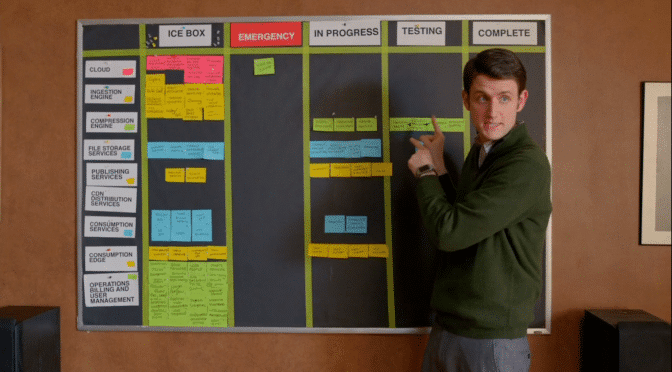 Since the last update, 1.12, a new element has appeared, the scrum view. =>Want to learn more about scrum? Read our article Scrum for Dummies! This view is available on 4 pages of your iPerfony. Which one? Follow the guide! I. The scrum view on your home...