


Save 60% of your time!
Customers who use the Perfony application on their smartphones say they have Save up to 60% of time in the daily management of their action plans. Do like them and download iPerfony in your store now. More...
How to force a web page to refresh
Reminder! To avoid display problems following an update, first refresh your page and if the problem persists, disconnect and reconnect to your space. These two steps will ensure that the new version of Perfony will be loaded, without conflict with the elements...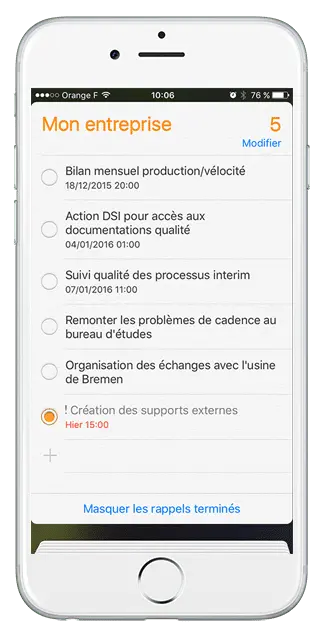
Synchronize Perfony with your iPhone
When you need to know your availability to accept an appointment, you may not have your computer at hand… So how do you know if you don’t have a meeting scheduled at that time? You are in the workshop and you want to declare that one of your actions...
Synchronize your Perfony space with your Outlook account
The Outlook calendar is one of the most used calendars in the professional world, and that’s why we propose you to create this link between your Outlook account and your iPerfony account. This free option is complementary to the smartphone synchronization which...