
Perfony on a phone and a tablet
Perfony can be used in the browser of a phone or a tablet, without installing the mobile app. Screens adapt to the width of the device and buttons can be used with a finger.
Before you start
- A phone or a tablet with a recent browser (Safari, Chrome).
- The address of your Perfony instance and your usual login.
On a phone
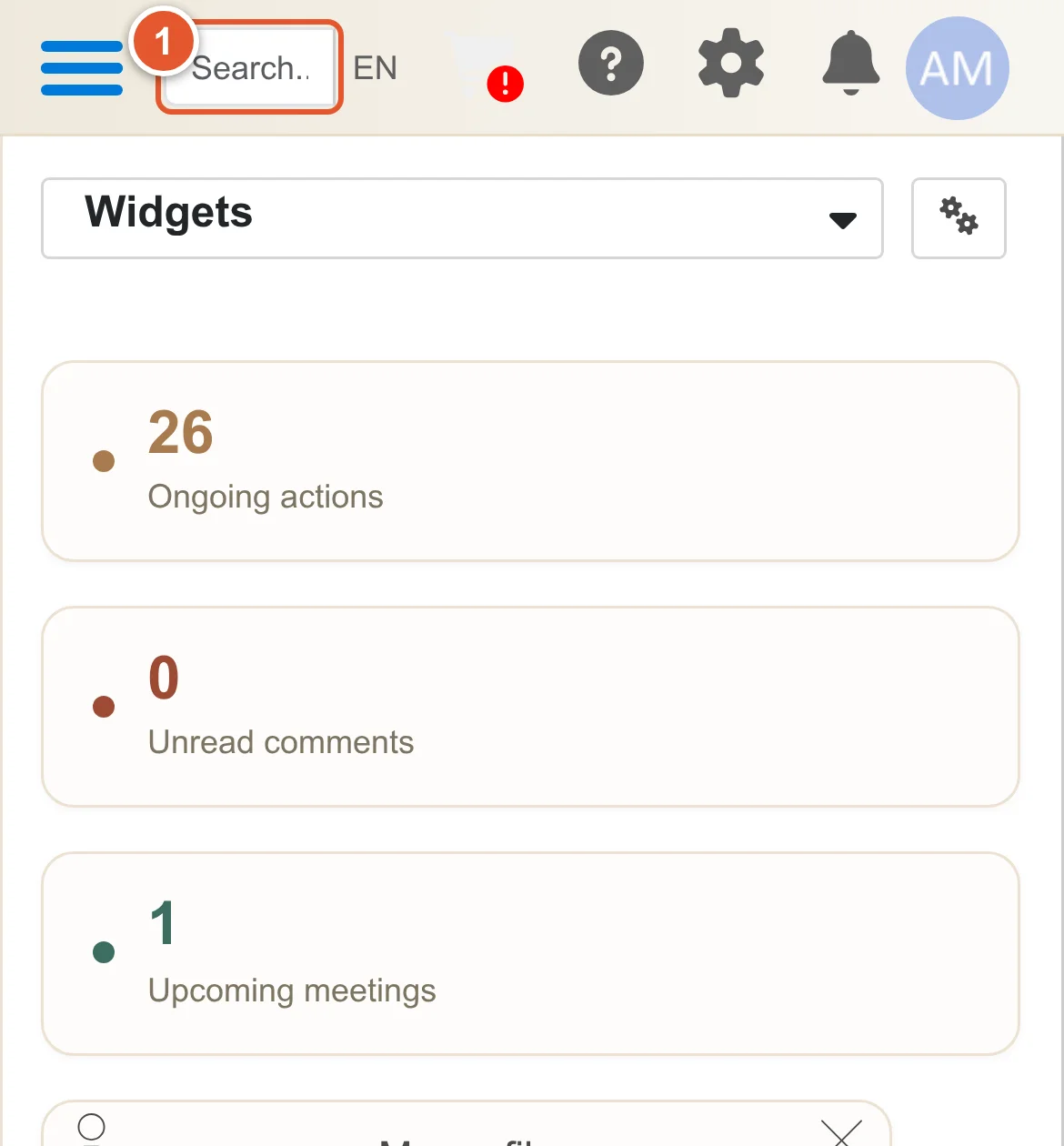
The top bar fits on one line: the search field, the abbreviated language (“EN”), help, settings, notifications and your avatar. Tap “EN” to change the language.
- Tap the search field: the search options button appears on its right.
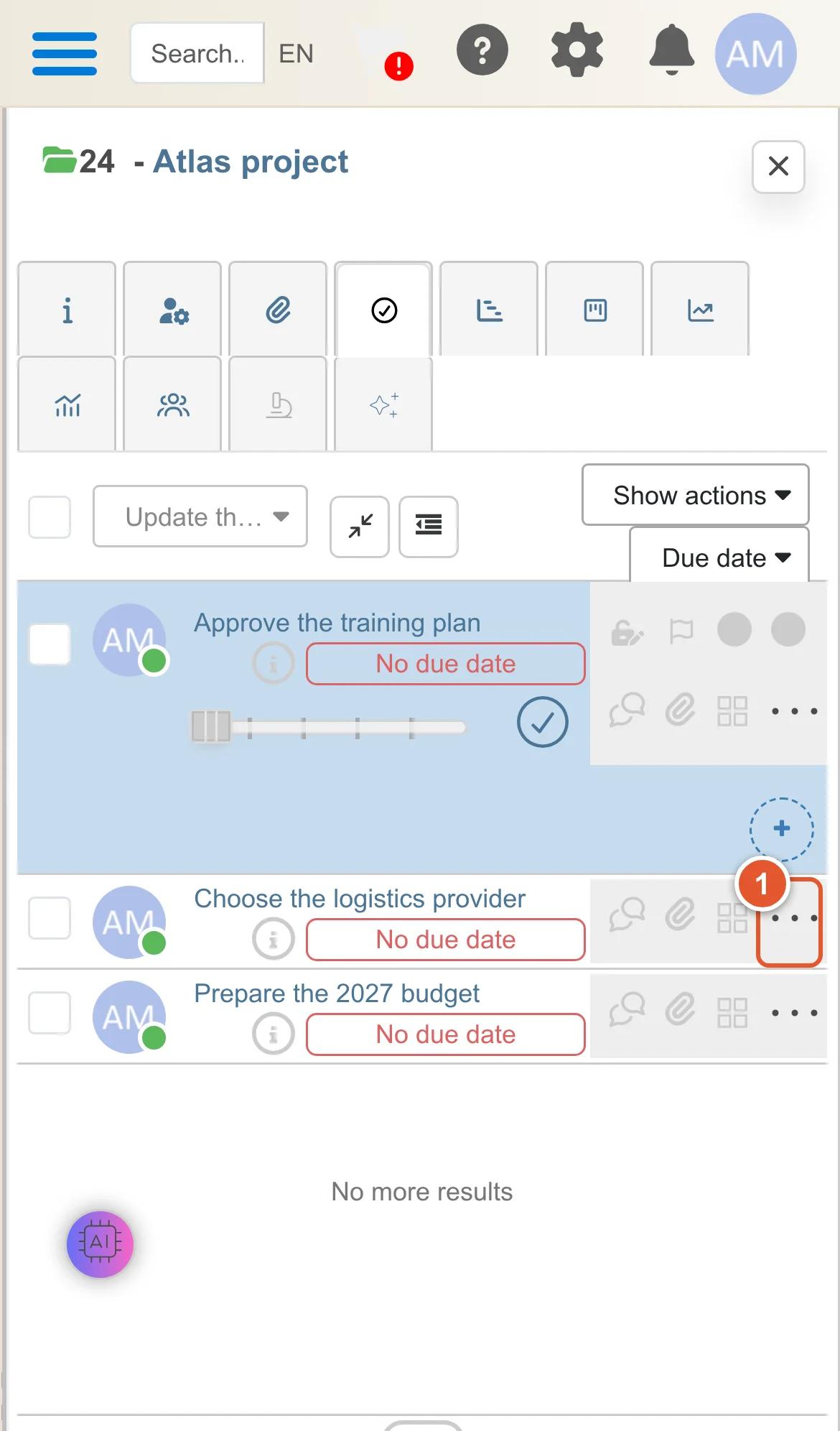
In a folder, the compact action plan puts the due date under the action name, so that the right-hand icons and the “…” menu of each row stay visible:
- The “…” menu of each action is whole and usable with a finger.
An action opened from a link (for instance from a notification e-mail) takes the full width of the screen. In “My folders”, the creation button is reduced to “+”.
On a tablet in portrait
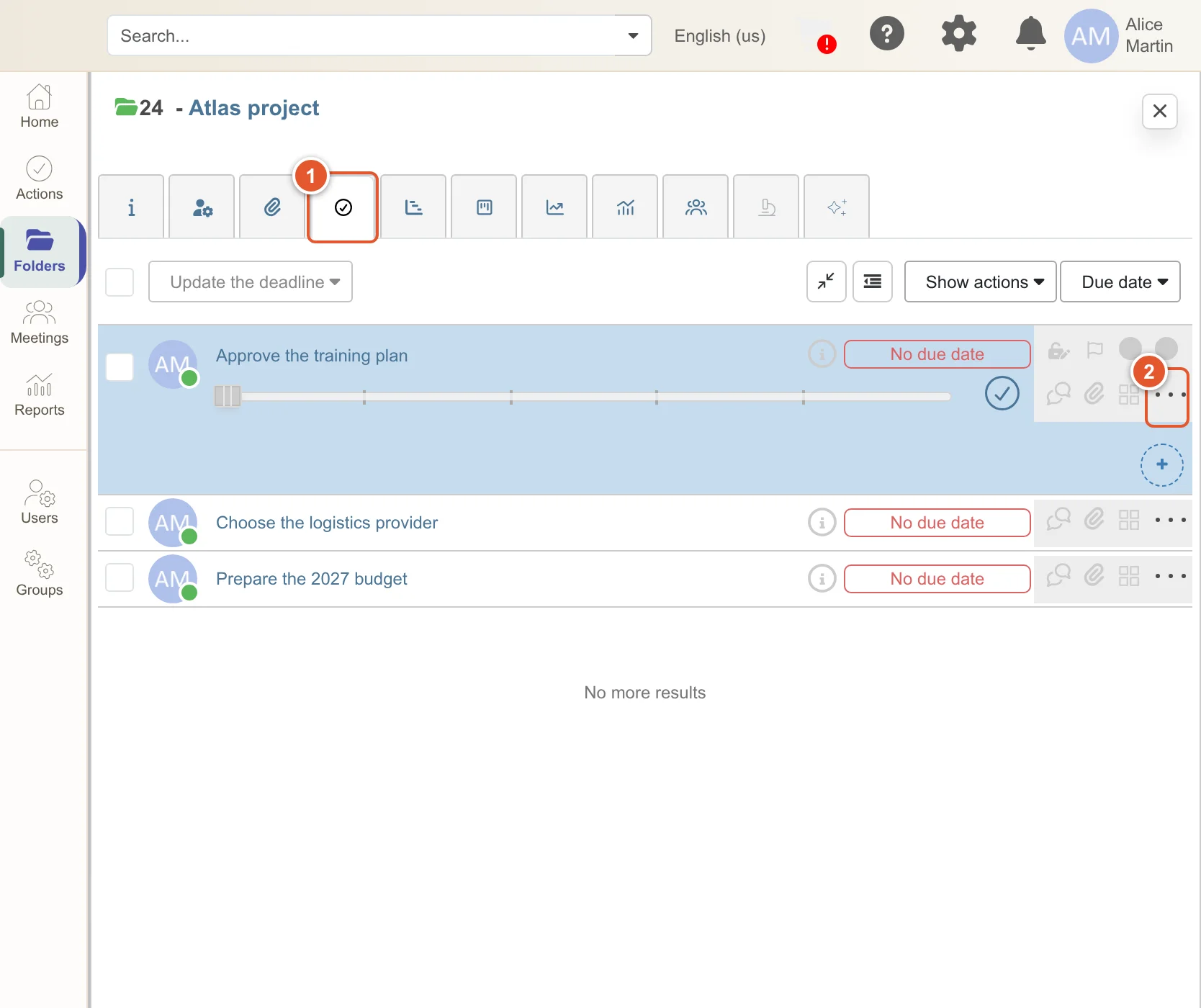
- The folder tabs are enlarged for the finger.
- The right-hand icons and the “…” menu of the actions are fully visible.
Good to know
- On a phone, a direct link to a folder opens the “My folders” list: then tap the folder to open it.
- The Perfony mobile app (iOS, Android) remains available for daily use on a phone.