 It is now very easy to set up an action that must be performed at regular intervals: monthly pay slips, weekly newsletter sending, etc… It is not necessary to recreate it for each occurrence, but it is enough to set it up from the beginning or to modify an...
 In a previous articlewe explained how it was now possible to “call” the files of your choice to follow them during a meeting For example: to follow the Alpha, Beta and Gamma folders in a single steering meeting, we create the meeting, choose the...
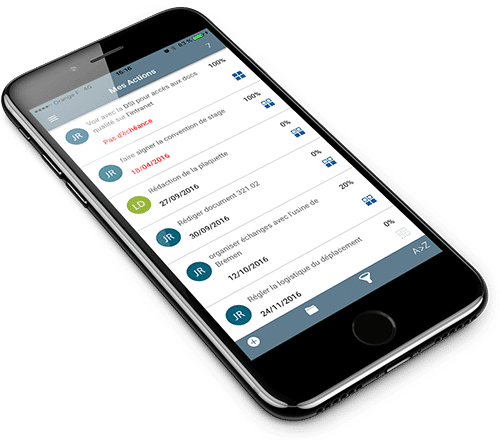 Customers who use the Perfony application on their smartphones say they have Save up to 60% of time in the daily management of their action plans. Do like them and download iPerfony in your store now. More...
 Reminder! To avoid display problems following an update, first refresh your page and if the problem persists, disconnect and reconnect to your space. These two steps will ensure that the new version of Perfony will be loaded, without conflict with the elements...
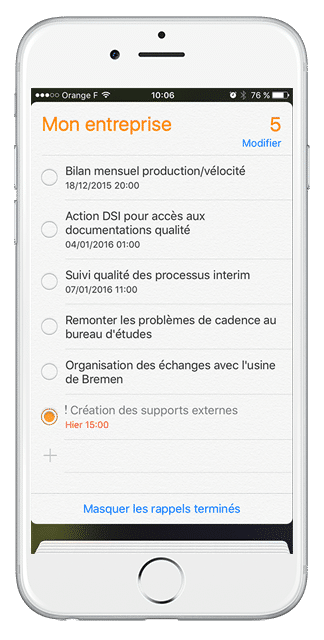 When you need to know your availability to accept an appointment, you may not have your computer at hand… So how do you know if you don’t have a meeting scheduled at that time? You are in the workshop and you want to declare that one of your actions...
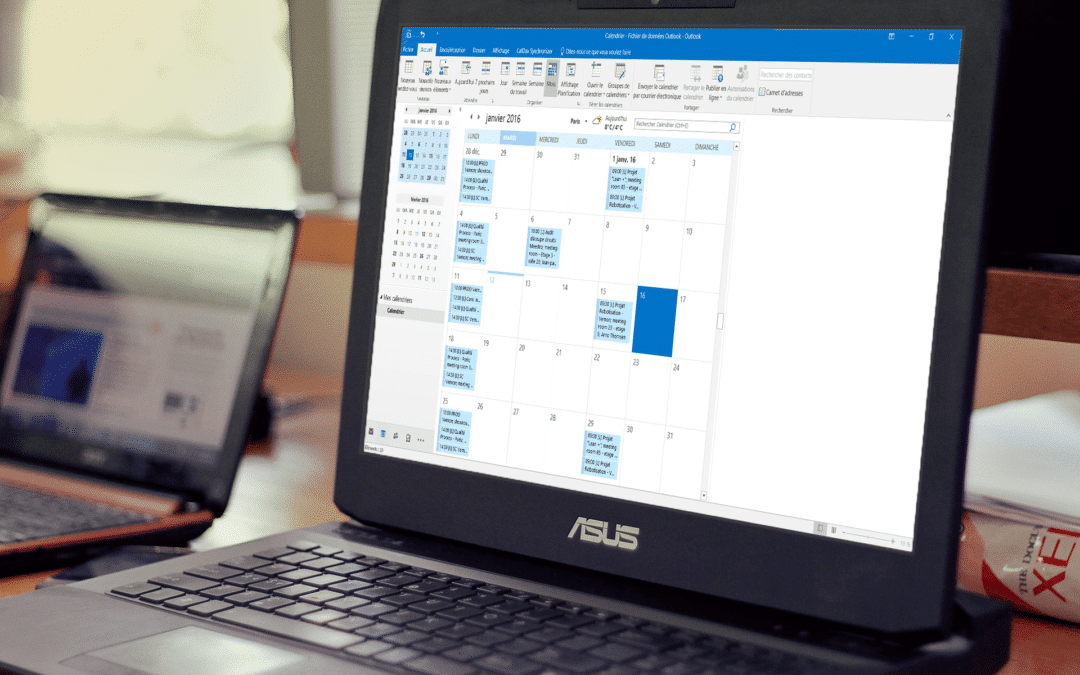 The Outlook calendar is one of the most used calendars in the professional world, and that’s why we propose you to create this link between your Outlook account and your iPerfony account. This free option is complementary to the smartphone synchronization which...